Old photographs deteriorate in specific ways. Scratches, fading, and lost detail are distinct technical problems. Different AI tools are built to address these different problems. No single service corrects every type of damage. This selection is a functional guide matching defect types to algorithmic solutions. It is not a ranking of overall quality.
The correct tool depends entirely on the primary damage found in your specific image. Choosing based on this principle yields more predictable, technically sound results.
1. Renew Photo
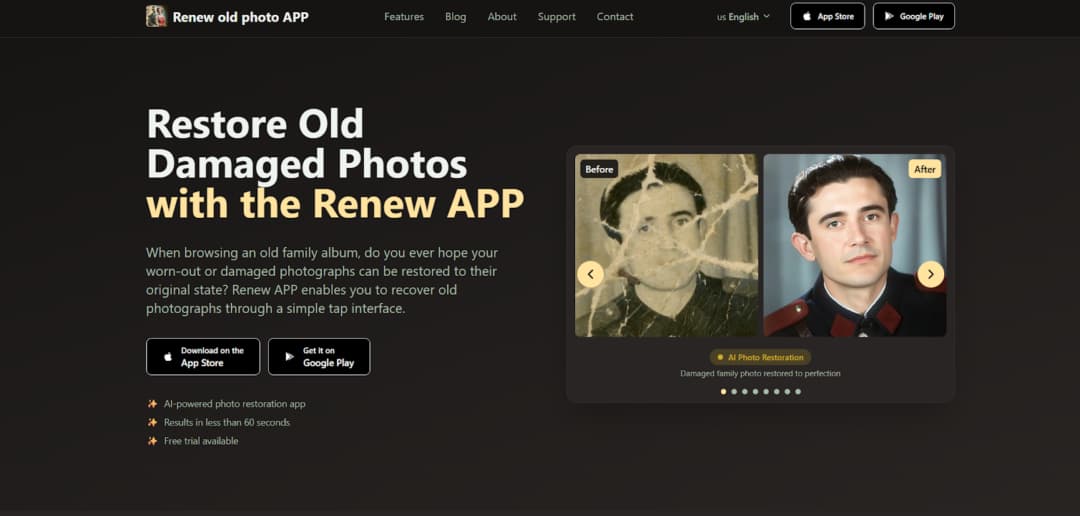
Renew Photo operates an automated, multi-step restoration pipeline. It is designed to process photos with several simultaneous defects in a single workflow. The tool sequentially addresses issues like scratches, color loss, and low detail. This makes it suitable for complex cases where damage types overlap and interact. The process requires minimal user input from start to finish.
Best Use Scenarios
This service is for compound deterioration. It handles photos where multiple flaws like heavy fading, deep scratches, and lost detail coexist. These cases overwhelm simpler, single-function tools. The integrated pipeline coordinates corrections that might conflict if applied separately. Renew Photo works best in situations such as:
- Photos with multiple overlapping defects;
- Images with severe fading and contrast loss;
- Old portraits needing detail reconstruction;
- Black-and-white photos that require colorization.
It is an automated system. You exchange granular manual control for a complete, hands-off restoration cycle.
2. RetroFix
RetroFix is a mobile application built for speed and convenience. It quickly improves image clarity and handles minor, superficial imperfections. The tool uses streamlined algorithms optimized for smartphone processing. This design prioritizes immediate results and ease of use over deep, archival restoration work.
Best Use Scenarios
This app fits common, minor photo issues from personal archives. It is for when you need a clearer version fast, not a perfect, historically accurate reconstruction. RetroFix is most effective for cases like:
- Slightly blurred portraits;
- Minor scratches and dust spots;
- Faded prints needing sharpness improvement;
- Quick mobile restoration without editing skills.
Its utility drops off sharply with severe physical damage like large tears or major staining. It just isn’t built for that.
3. Fotor AI
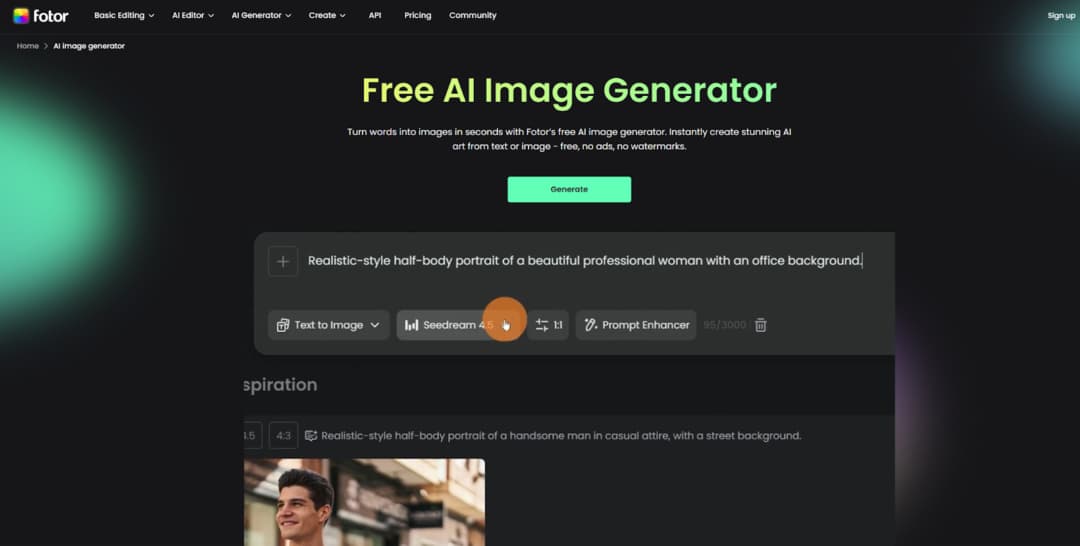
Fotor AI Photo Restoration is a browser-based utility for standard photo correction. It provides essential AI-driven cleanup and enhancement through a web interface. The service performs generalized improvements to color, contrast, and clarity. This approach offers accessibility for users needing a straightforward online fix without software downloads.
Best Use Scenarios
This tool addresses predictable, moderate deterioration. It works on photos with common aging effects where a broad, overall correction is sufficient. Fotor performs well in situations such as:
- Restoring moderately faded photos;
- Improving contrast and color balance;
- Enhancing clarity in scanned prints;
- Quick browser-based correction without advanced controls.
Precision control over specific damage areas is limited. The tool applies a uniform correction model to the entire image.
4. Neural.love
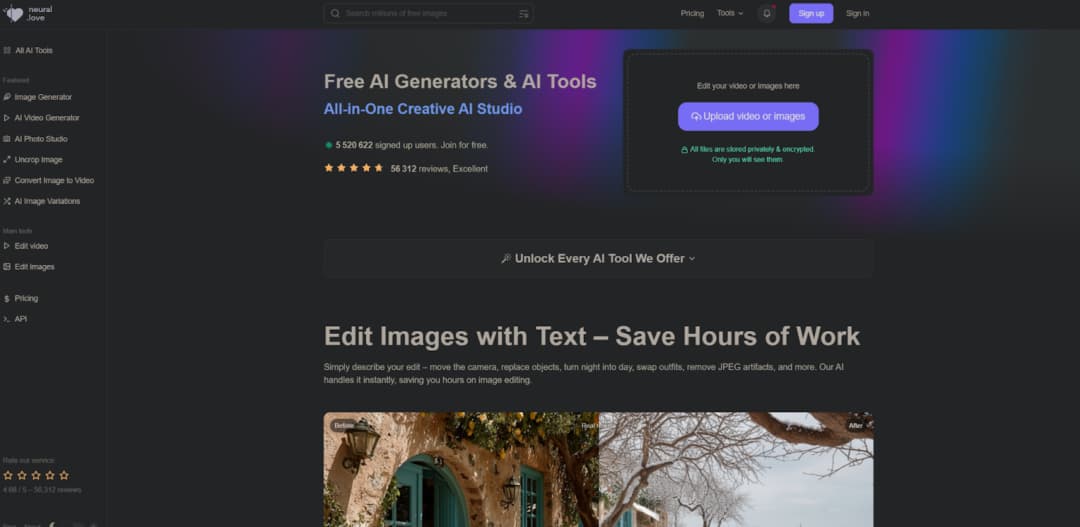
Neural.love Photo Restoration focuses on digital enhancement and noise reduction. It aims to improve perceived image quality by reconstructing detail and reducing visual artifacts. The service often incorporates colorization. Its strength lies in refining the digital signal, not repairing physical photograph damage.
Best Use Scenarios
Use this tool for digital degradation issues in scanned images. It targets problems introduced or worsened by the digitization process itself. Neural.love works best in scenarios such as:
- Enhancing low-resolution scanned photos;
- Reducing visible noise and compression artifacts;
- Improving the overall sharpness of aged prints;
- Colorizing black-and-white images.
It is more of an enhancement engine than a physical restoration service. Don’t expect it to convincingly mend a torn corner.
5. Imgupscaler
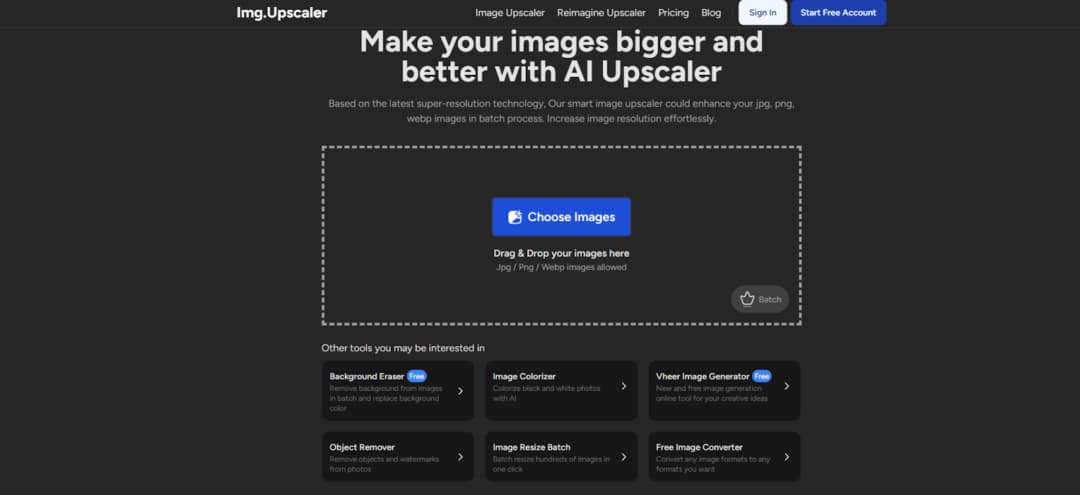
Imgupscaler Old Photo Restoration is a simple online tool for resolution enhancement and basic cleanup. It increases image pixel dimensions while applying light corrective filters. The process happens in a browser without registration. It is a one-step solution for improving the fundamental legibility of a low-quality scan.
Best Use Scenarios
This service is for technically poor source files. It is a practical first attempt when the main issue is a small, blurry, or pixelated digital file. Imgupscaler is most suitable for situations like:
- Enhancing low-resolution images;
- Improving the sharpness of blurred scans;
- Light restoration of faded photos;
- Quick online fixes without software installation.
The tool is not designed to handle serious physical defects such as scratches or tears.
6. Nero AI
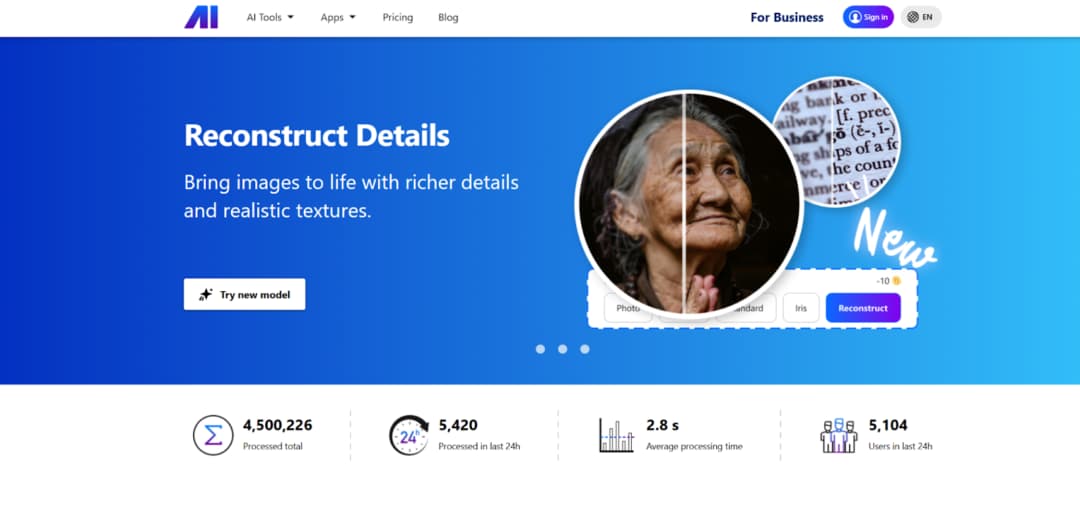
Nero AI Photo Restoration is an automated service for general photo cleaning and color adjustment. It applies a set of corrections to remove minor flaws and improve tonal balance. The process requires one click. It is built for casual users seeking an instant, acceptable improvement with zero technical effort.
Best Use Scenarios
This tool fits the need for a fast, automatic polish on photos with light, common aging signs. It standardizes a simple correction path. Nero AI is effective in situations such as:
- Removing light scratches and dust;
- Improving color balance in aged photos;
- Enhancing overall clarity;
- Fast automatic correction for casual users.
The system offers limited parameter control. You accept its standardized output or seek another tool.
How to Match a Tool to Your Photo’s Damage
Tool selection is a diagnostic exercise. You must first identify the dominant form of damage in your photograph. A tool specialized for color fading will fail on a photo shredded by deep scratches. The algorithm’s design dictates its suitable applications. Misalignment here is the primary cause of disappointing results. When selecting an AI restoration tool, focus on the dominant type of damage:
- Severe structural damage requires multi-step restoration tools.
- Light blur and dust can be handled by mobile or browser tools.
- Facial detail loss calls for portrait-focused enhancers.
- Color fading benefits from dedicated colorization features.
Using a general-purpose cleaner like Nero AI on a complex, multi-damage photo will yield a weak, incomplete fix. The tool lacks procedural depth. Conversely, using a heavy pipeline like Renew Photo on a simple, slightly blurry portrait is overkill and may unnecessarily alter original textures. Match the problem’s complexity to the tool’s specialized function.
Final Practical Takeaway
Each tool serves a defined purpose. Renew Photo for complex, layered damage. RetroFix for mobile convenience on minor issues. Fotor and Nero AI for standardized online corrections. Neural.love and Imgupscaler for digital file enhancement. Their functions are complementary, not competitive.
The final output quality is irrevocably tied to the input scan quality. A high-resolution, well-lit scan provides the algorithm with sufficient data to work. A poor scan guarantees a limited result, regardless of the tool’s sophistication.
Select based on a clear assessment of your photograph’s primary deterioration. Consider the required level of control and the desired outcome. This methodical, damage-first approach removes guesswork and leads to more technically reliable restoration attempts.